
If you are interested in creating an Email Sign Up call-to-action pop up on your website and have a Mailchimp account here are the steps to follow:
- In your Mailchimp account follow these instructions to create a new Pop Up Signup Form:
https://mailchimp.com/help/add-a-pop-up-signup-form-to-your-website/
- When you get to the step that provides you the Pop-Up code, copy the code and send it to ProActive Web Solutions by emailing [email protected] and we will handle embedding it on your website for you. In your email, please use the subject line “Popup Form Code for [yourwebsitename]“
- After ProActive Web Solutions confirms the code has been inserted on your site you can complete the final step in MailChimp which is to return to the pop-up form builder and click the ‘Check the Connection’ button and make sure you Publish the new form.
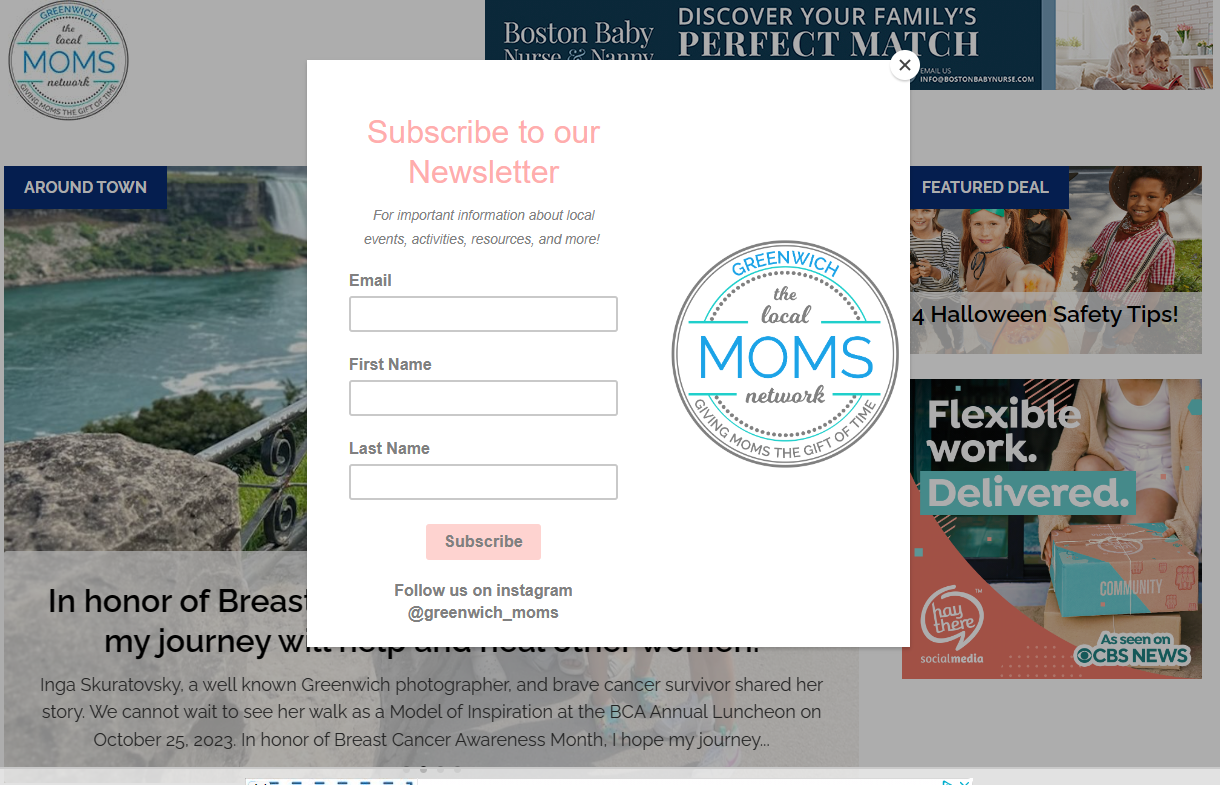
An example pop-up built on the greenwichmoms.com site can be seen here:
The below tutorial may also be helpful for creating the form